Notations guides
Share a Markdown note as a web page
Give a Notations note a readable link, or publish it on your public profile. Recipients can read shared and published pages without a Notations account.
Choose link sharing or publishing
Share makes a note accessible to anyone with its link without listing it on your public profile. Publish also lists the note on your profile, where people can browse your public writing. Published pages can appear in search engines.
Neither option requires you to build a separate website. A link-accessible page is not restricted to a named recipient: anyone receiving the link can open it.
Share a note in four steps
- Open the note and review its text, attachments, and related pages.
- While online, open Share options in the note toolbar.
- Choose Share this version for the current page, or Share all versions for the related group. The notebook-list Share action uses the group scope.
- Wait for sharing to complete, then use the copied link or Copy URL. Open the link in a signed-out browser to check what a recipient can see.
Sharing waits for cloud confirmation. If it fails, reconnect and retry rather than assuming the page is accessible.
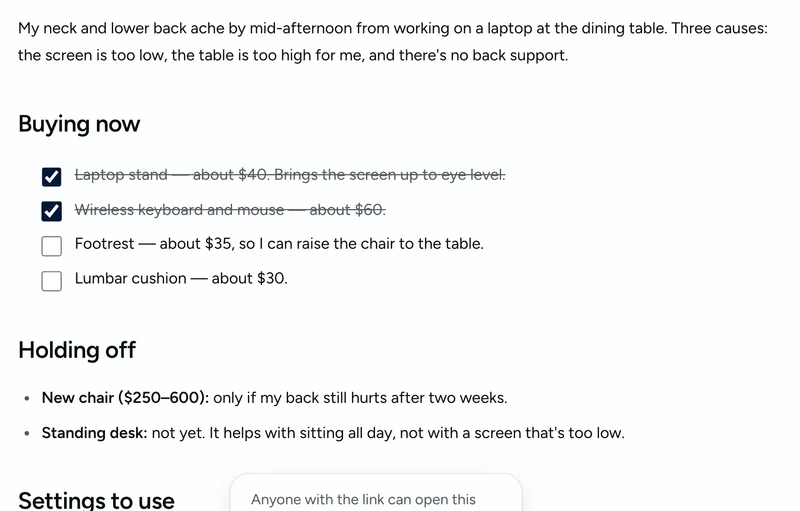
Publish on your profile
Use the note’s Publish control when you want it listed on your public profile. Publishing applies to the iteration group. Review all related versions before publishing, then check your profile and the page while signed out.
Use a clear title, descriptive headings, and links that work for readers outside your account. A note can be a short checklist, a guide, or a finished essay; Markdown remains the writing format underneath.
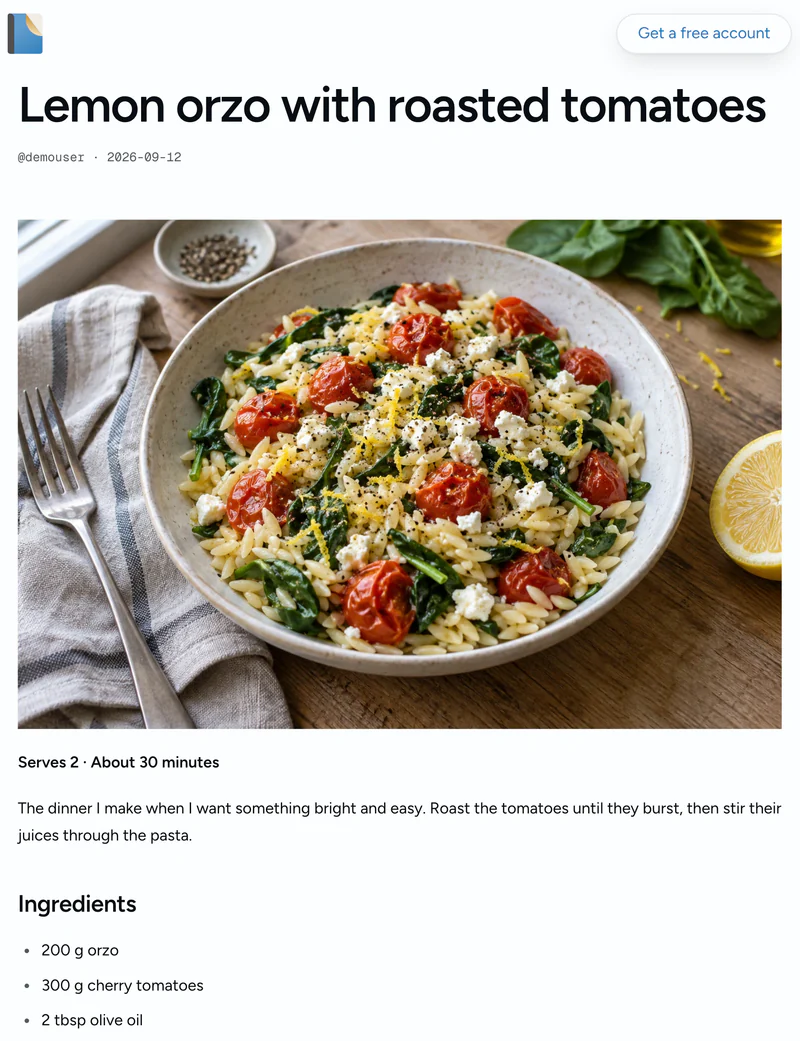
Share the finished version and keep your sources private
If the group is currently private, open the finished page and choose Share this version. That choice does not switch off earlier sharing or publishing on other pages. If you previously shared the whole group, review and remove that access first.
The desk-setup example keeps a Claude conversation, a ChatGPT research report, an HTML calculator, consolidated notes, and the final plan together. You can revisit the working pages privately and share only the plan. See how the pages connect.
Update or withdraw a page
Synced edits update the page served at its link; sharing is not a frozen snapshot. To withdraw general access, disable both sharing and publishing for the relevant pages. They are independent settings, so disabling one does not disable the other.
Recipients may retain copies, and search engines may retain older results temporarily. Keep private source material out of pages you make public.