Personal Markdown notebook · Your choice of AI
A lighter home
for your notes.
Write, plan, and keep what matters. A simple Markdown notebook with cloud sync, easy sharing, and your choice of AI.
Read and write offline. Sync across devices. Share when you’re ready.

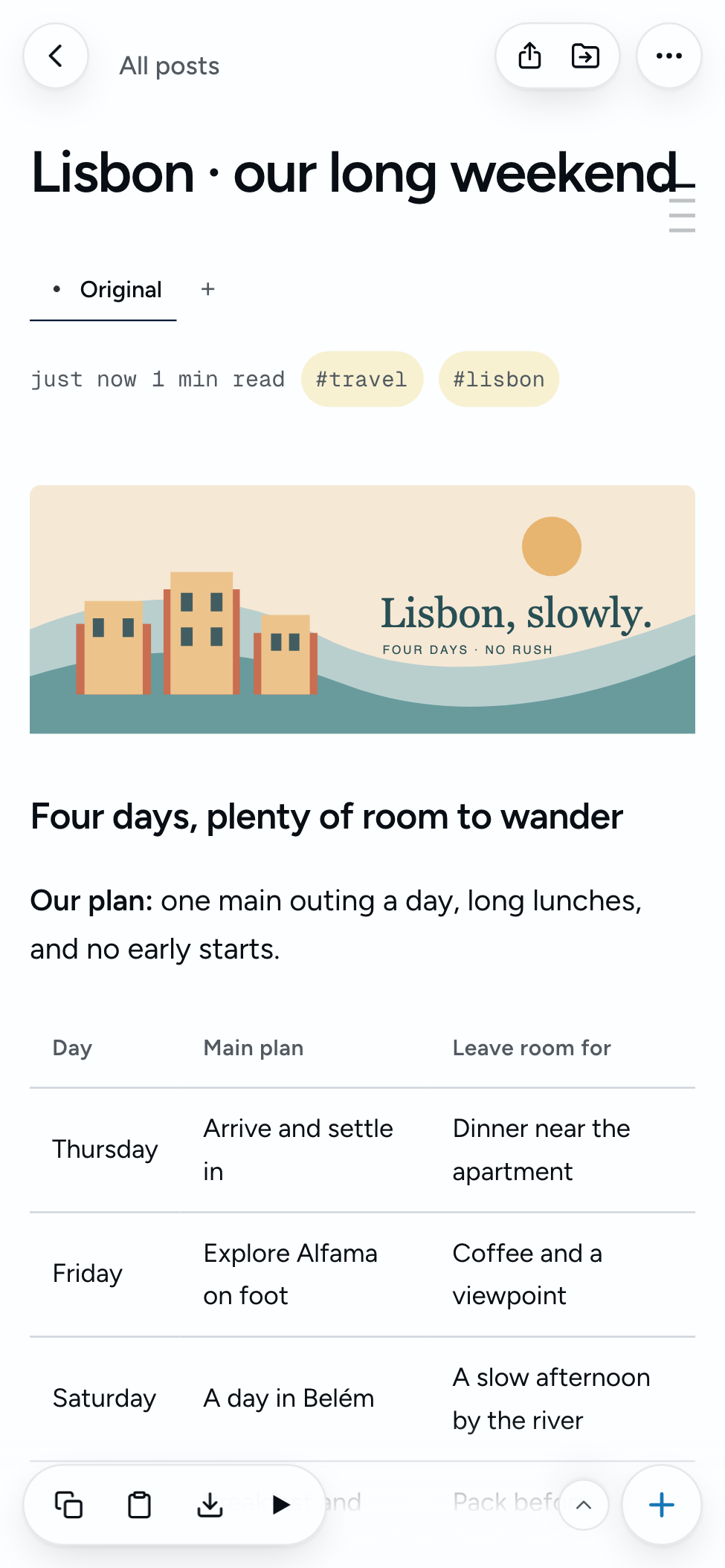
Room for everyday life.
A plan to look forward to. A list to share. Something useful to keep.
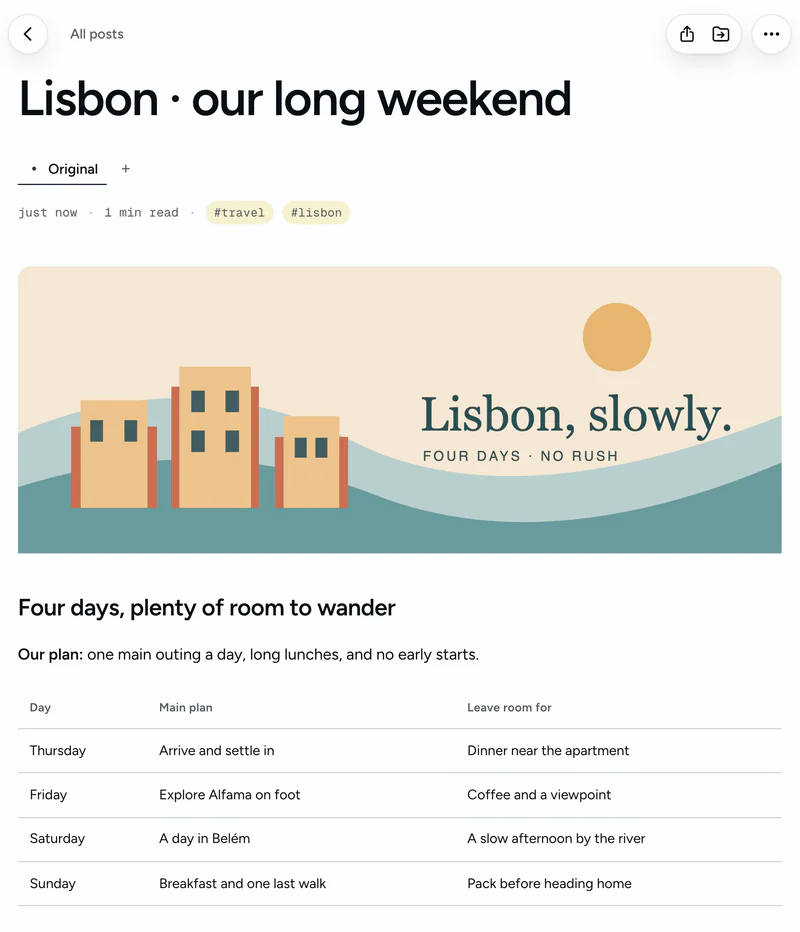
Plan a trip
Your next trip, all together.
Keep the itinerary, ideas, and packing list close. Sync before you leave and read your saved notes offline.
Take your notes with you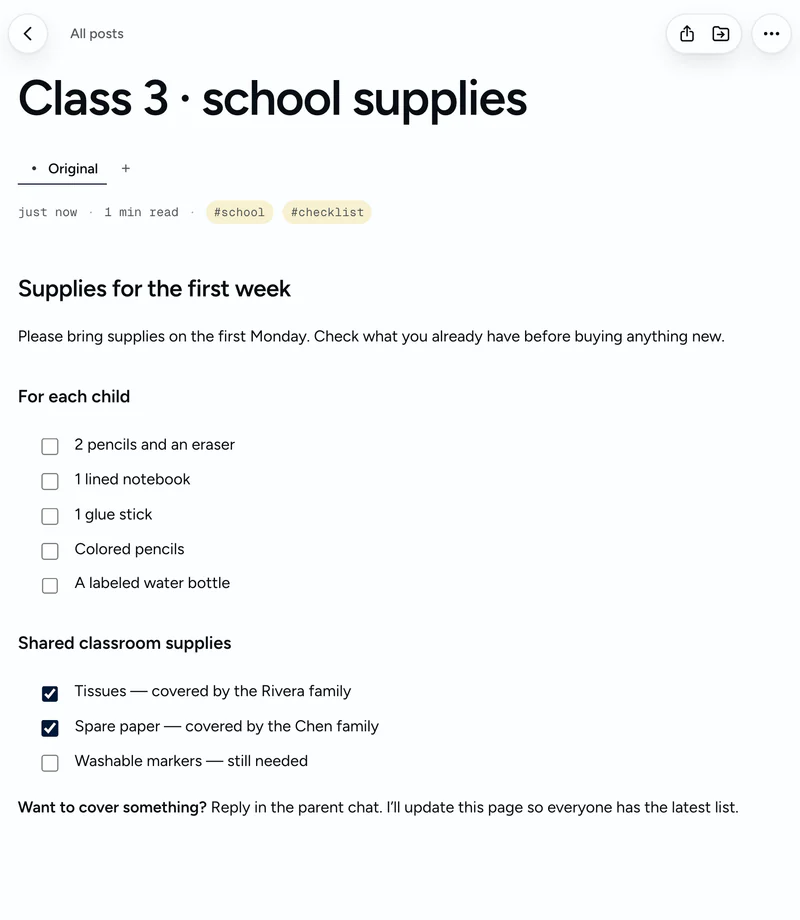
Share an everyday list
One list. Everyone in the loop.
Share the school-supplies list in the parent chat. You update it; everyone reads the latest version at the same link. No reader account needed.
Share a Markdown note as a page
Publish something personal
A recipe worth passing on.
Add a photo, write down the ingredients, and publish it on your profile as a page anyone can read. Your favorite meals get a home beyond the group chat.
Give your recipe a page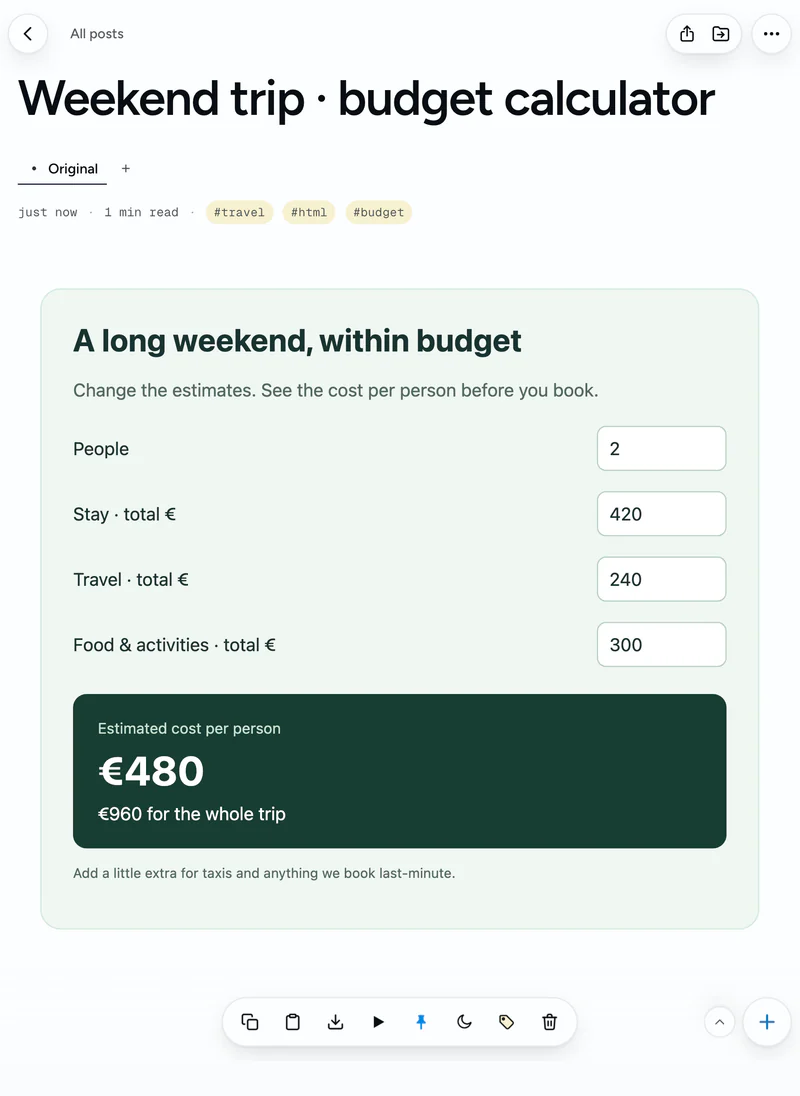
Keep something you can use
Keep it. Use it again.
Give the HTML calculator your AI made a home beside your trip notes. Open it, adjust the budget, and use it again.
Keep useful work from AIFor your work
From customer feedback to a feature brief.
Turn a product question into a clear brief, with the sources and decisions still beside it.
Saved searches · 1 of 5
Start with a product question.
Customers keep rebuilding the same filters. Save a useful conversation with Claude about what to investigate. The original stays beside the evidence you collect next.

One product question, five separate pages. The sources stay beside the work.
Your notebook. Your choice of AI.
Your notes have a home beyond a conversation. Choose how AI works with them—or use Notations without it.
Use your existing assistant
Connect Claude, ChatGPT, or another MCP-compatible assistant. Search, read, edit, tag, and save notes from the tool you already use.
Explore AI connectionsEnable the in-app assistant
Add a supported provider’s API key to work with AI inside Notations. Provider usage is billed separately by that provider.
Understand setup and costsMeaning-based retrieval is optional and needs a separate OpenAI embeddings key. Standard search works without one.
Useful today.
Still yours tomorrow.
- Write wherever you are
- Once synced, your notebook is available on your device for offline reading and writing. Changes sync when you reconnect.
- Bring what you’ve already saved
- Import Markdown files or supported Notion and Obsidian exports. Preview the import before adding it.
- Take your writing with you
- Export notes as Markdown files. A connected local folder is also available on supported setups.
A place for the way you work.
The useful details, without a complicated workspace.
Sharing & publishing
Give a note a link. Give your writing a home.
Share a note by link or publish it on your public profile. Keep everything else private.
Offline & sync
Keep writing when the connection drops.
Read and edit synced notes on your device. Changes sync to the cloud when you’re back online.
Installable web app
Keep your notebook close.
Add Notations to your home screen or install it in a supported browser for an app-like window.
AI connections
Work with the AI you choose.
Connect an assistant through MCP or bring a provider key for the optional in-app assistant.
Versions & related pages
Keep the different directions together.
Group originals, alternatives, references, and shorter versions as separate pages in tabs.
Reading & listening
Give your notes room to breathe.
A clean reading view, heading navigation, and text-to-speech help you return to what you saved.
Lists & organization
Make room for the everyday things.
Keep checklists, organize with folders and tags, pin useful notes, and snooze things for later.
A few practical questions.
Do I need AI to use Notations?
No. You can write, organize, search by keyword, and export notes without an AI connection. AI features are optional.
Can I use the AI assistant I already have?
You can connect Claude or another assistant that supports remote MCP servers. Your assistant can search, read, create, edit, move, and tag notes. Compatibility and connection options depend on the assistant you use.
How does search by meaning work?
Ordinary notebook search uses keywords. Semantic retrieval through AI tools requires a separate OpenAI embeddings API key and an indexed notebook. Without that setup, those tools fall back to keyword search.
What works offline?
With offline mode enabled and your notebook synced to the device, you can read and write notes without a connection. Changes sync when you reconnect. Cloud AI, sharing, publishing, and first-time setup need an internet connection.
Who can read a shared note?
Notes start private. Enabling link sharing makes a note readable by anyone with its link. Publishing also lists it on your public profile. An unlisted link is not restricted to a named recipient. The note toolbar lets you share this version or all versions. Publishing applies to the iteration group.
More detail: costs and setup · privacy · AI connections
A thought. A checklist. A page worth sharing.
Keep what matters.
Find it when you need it.
Start your notebookSign in with Google. AI is optional.